
Guides · Requirements
How to track your dental requirements
Every clinical year ends the same way for someone: a month left, half the quota missing, and no patients for the department that's short. Tracking from week one is how you avoid being that student.
1. Write the full list down on day one
Get your faculty's official requirements for the year, for every department, not the version going round the class group. For each item note:
- the department and the exact procedure name your faculty uses;
- the number required;
- what counts: completed cases only, or started cases too; whether assisted cases count; any rules on teeth (anterior or posterior, single or multi-rooted);
- the proof needed: supervisor signature, a photo, a radiograph, a logbook entry;
- the deadline, and any mid-year check.
2. Count only what will be accepted
The most common surprise at the end of the year is a case you counted that the department doesn't. Keep two numbers for each item: done and approved (signed or checked). The approved number is the one that matters.
3. Plan backwards from the deadline
- Count the clinic sessions you have left in each department.
- Divide what's missing by the sessions left. That's your target per session.
- Find the bottlenecks: the procedures with few suitable patients (often some endodontic, prosthodontic or pedodontic cases). Start hunting for those patients now, not in the last month.
- Check every week. A small gap in month two is easy. The same gap in the last month is not.
4. Keep the proof with the case
A count without proof is worth nothing at the final check. Keep the date, the supervisor and the photos or radiographs with each case, so you can show any case your department asks about.
5. Paper, spreadsheet or app?
| Printed sheet | Simple, and it's often what the faculty signs. Keep it, but it can't warn you that you're behind. |
|---|---|
| Spreadsheet | Totals and percentages, if you update it after every clinic. Most students stop by the second month. |
| Tracker app | Counts each case toward the requirement as you log it, so the total is always current, and shows what's left per department. |
How OnlyTeeth does it
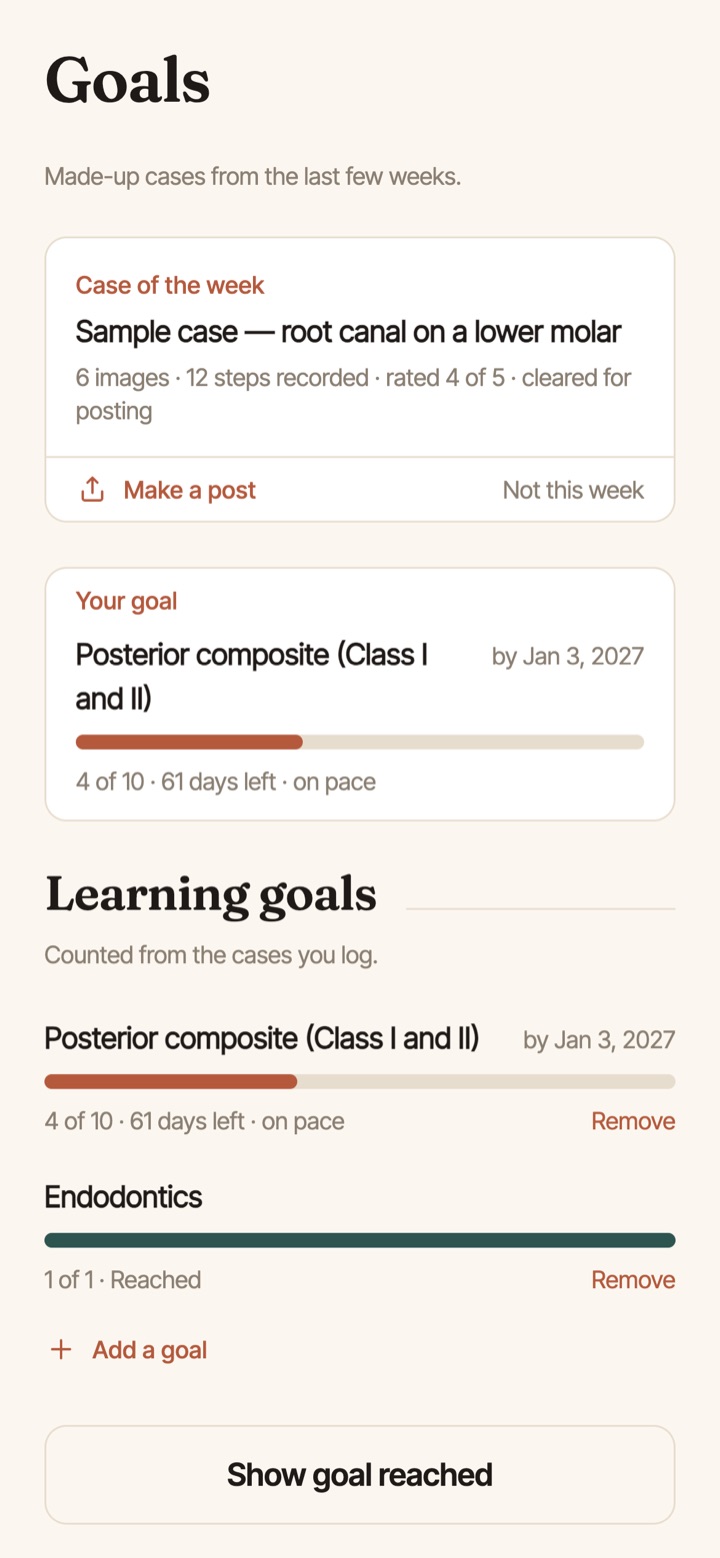
Add your faculty's requirements once, or scan a classmate's list with the QR code and check it against the official one. After that, every case you log counts toward its requirement automatically. You see what's done and what's left for each department, with goals, streaks and a calendar of every day you worked.
- Free: requirements counting for one department.
- Premium: requirements for every department, plus the full logbook to hand in.
Questions
What if my faculty changes the requirements mid-year?
Update the numbers as soon as the official change is announced, and keep the old list until the department confirms which cases still count.
Do cases from outside clinics count?
Usually not. Most faculties only accept cases done in their clinics under their supervisors. Ask your department before you count one.
What's the best way to find patients for a requirement I'm short on?
Tell your supervisor and the screening clinic early, swap patients with classmates who have the opposite gap, and ask your current patients about family members who need treatment.
More guides: Keeping a dental case log · Intraoral photography with a phone · Shade photography